
Finding trusted, up-to-date sources that actually compare Synup alternatives in one place takes too much time. Most software review directories either lack reliable user reviews, bundle biased vendor content, or do not update listings frequently enough to reflect recent changes. You can weigh each directory on review depth, editorial balance, and listing currency to pick an aggregator that matches your decision workflow.
Table of Contents
Toolsplorer
At a Glance
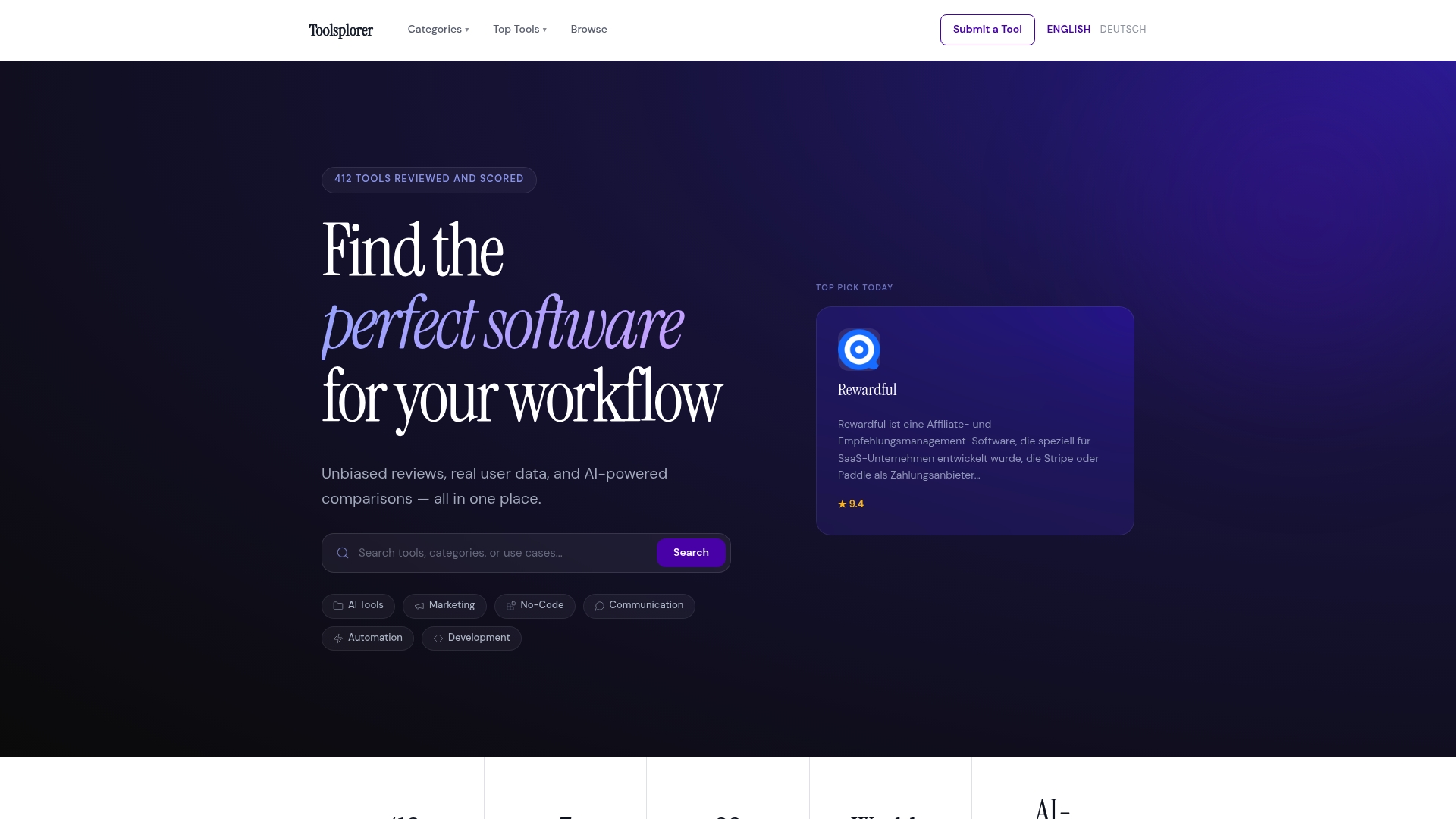
The vendor states Toolsplorer covers over 412 tools, and updates its data weekly. Its directory groups offerings into AI, marketing, no code, automation, development, and related categories. That breadth helps you find candidate tools faster than checking each vendor site one by one.
Core Features
According to the company, Toolsplorer pulls reviews from seven review sources and applies AI powered scoring to produce comparative rankings. The site supports category search, top-rated lists, and side by side comparisons of features and scores. Weekly updates and a submission option keep new tools and revisions visible in the index.
Key Differentiator
The key differentiator is the AI scoring combined with weekly refreshes that consolidate multiple review sources into a single ranking. That approach reduces the manual work of normalizing disparate review metrics across sites. It makes small differences between similarly rated tools more visible, so you can judge trade offs more quickly.
Pros
A large database across categories lets you scan dozens of options without leaving the site. AI driven comparisons surface feature gaps and trade offs faster than reading raw review pages. Regular weekly updates keep listings and rankings current with recent product changes. The interface is easy to use and independent rankings combine multiple sources to reduce single site bias.
Cons
- Does not include direct pricing or subscription details for tools, requiring visits to vendor pages for exact rates.
Who It’s For
Individuals and teams seeking unbiased, data driven comparisons across software categories will find value. The site fits marketing, finance, technology, and education professionals who evaluate tools for specific workflows. Entrepreneurs through large organizations can use the rankings to narrow choices before trials.
Unique Value Proposition
Weekly data refreshes let you compress vendor research into a single session. Combined with aggregated review scores, that cadence reduces the time spent reconciling conflicting review metrics. The result is fewer hours spent on shortlist creation and faster movement from research to trial.
Real World Use Case
A marketing manager needs an AI content tool for an upcoming campaign. They use Toolsplorer to compare feature scores, read consolidated reviews, and shortlist three vendors. That shortlist proceeds to trials with fewer vendor demos and faster procurement cycles.
Website: https://toolsplorer.com
Software Finder
At a Glance
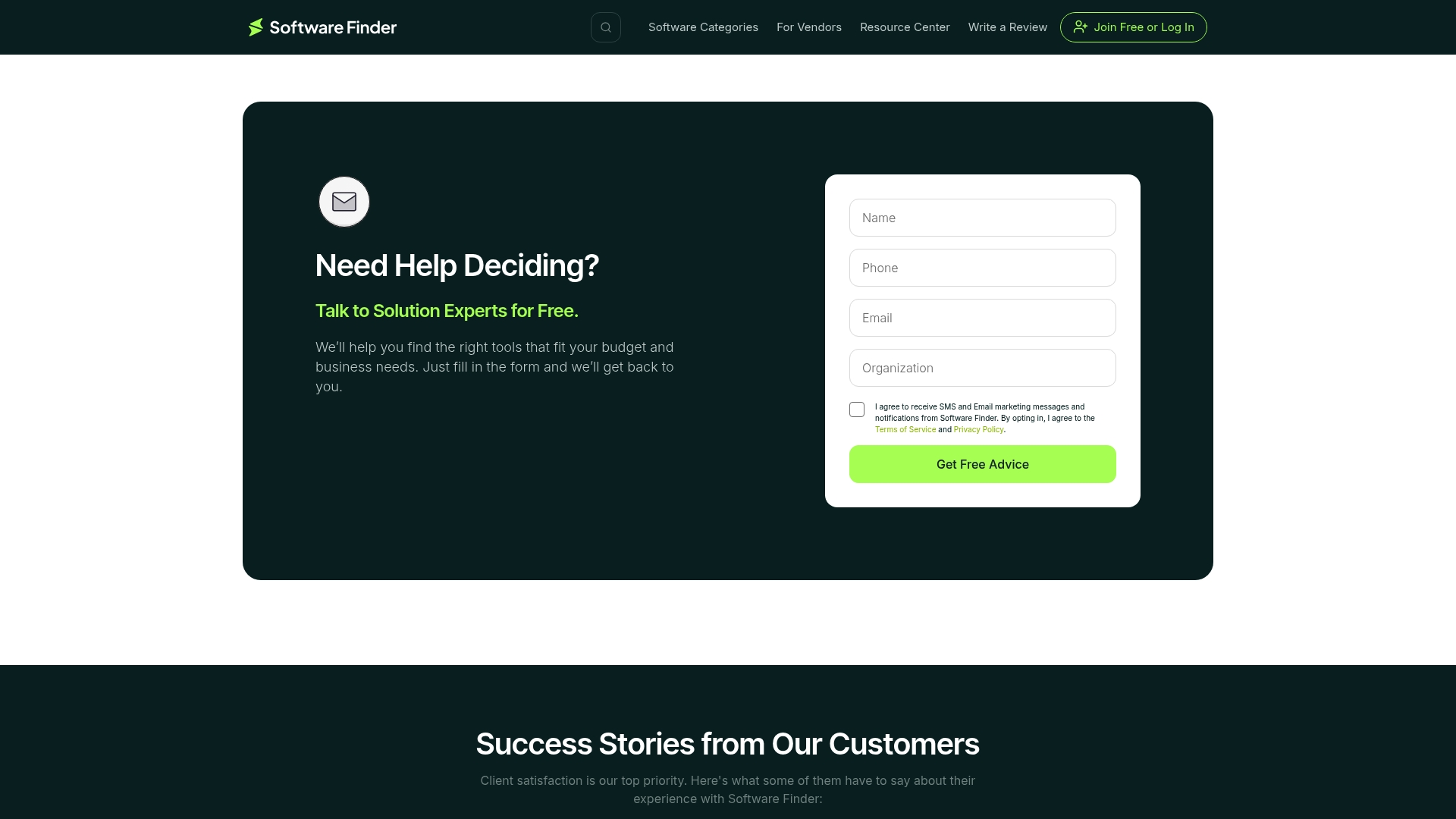
Software Finder reports a database of over 100,000 software options, a breadth that stands out for comparison sites. The site mixes user reviews with editorial guidance so buyers can read opinions and expert takes in one place. That mix speeds decision making for teams that must compare many tools before buying.
Core Features
The site aggregates user reviews and pairs them with expert recommendations to help visitors weigh real experiences against analyst commentary. Comparison tools let you line up product features and vendor profiles, and the platform also offers lead generation and profile management for vendors. These elements combine to support both software research and vendor discovery without forcing a single transactional flow.
Key Differentiator
Software Finder’s main distinction is its scale and dual focus on buyer research and vendor visibility. The platform couples a very large database with vendor profile pages so sellers get a discovery channel while buyers access consolidated feedback. That pairing makes it useful for teams that shop widely and for vendors that need passive lead sources.
Pros
The site offers wide-ranging user reviews and editorial notes that reduce the time your team spends collecting scattered opinions. Free access to reviews and comparisons removes a gate for early research and lets decision makers read multiple perspectives before talking to vendors. Vendor profile pages provide quick summaries of product positioning and contact paths so your procurement or IT lead can follow up without hunting for basic facts.
Cons
- User reviews can be polarized and sometimes unreliable; the platform does not verify every third-party review.
- Some vendors and users report aggressive sales outreach and poor lead quality from the marketplace.
- The site offers limited hands-on trial options or direct product customization through its pages.
- Several users report slow or unresponsive customer service when disputing listings or leads.
When It May Not Fit
If you require verified review audits or a closed procurement workflow, this public review model will feel incomplete. Teams that need integrated product trials or sandbox access must look elsewhere because the site focuses on research and discovery rather than direct testing. Organizations that cannot tolerate vendor outreach or that demand strict lead quality controls will find the marketplace model frustrating.
Who It’s For
This resource suits procurement leads, marketing teams, and small IT departments that need wide visibility into product options without paying for research subscriptions. Vendors that want passive lead generation and a public product page also fit the model. Larger enterprises with strict vendor qualification requirements will need additional verification steps.
Real World Use Case
A mid sized enterprise used Software Finder to compare HR and ERP candidates by reading user reviews and expert summaries side by side. The procurement lead compiled a short list from vendor profiles and then requested demos from three vendors that matched internal requirements. The site cut initial vendor research time by replacing manual searching across dozens of vendor sites.
Website: https://softwarefinder.com
Softwaresuggest
At a Glance
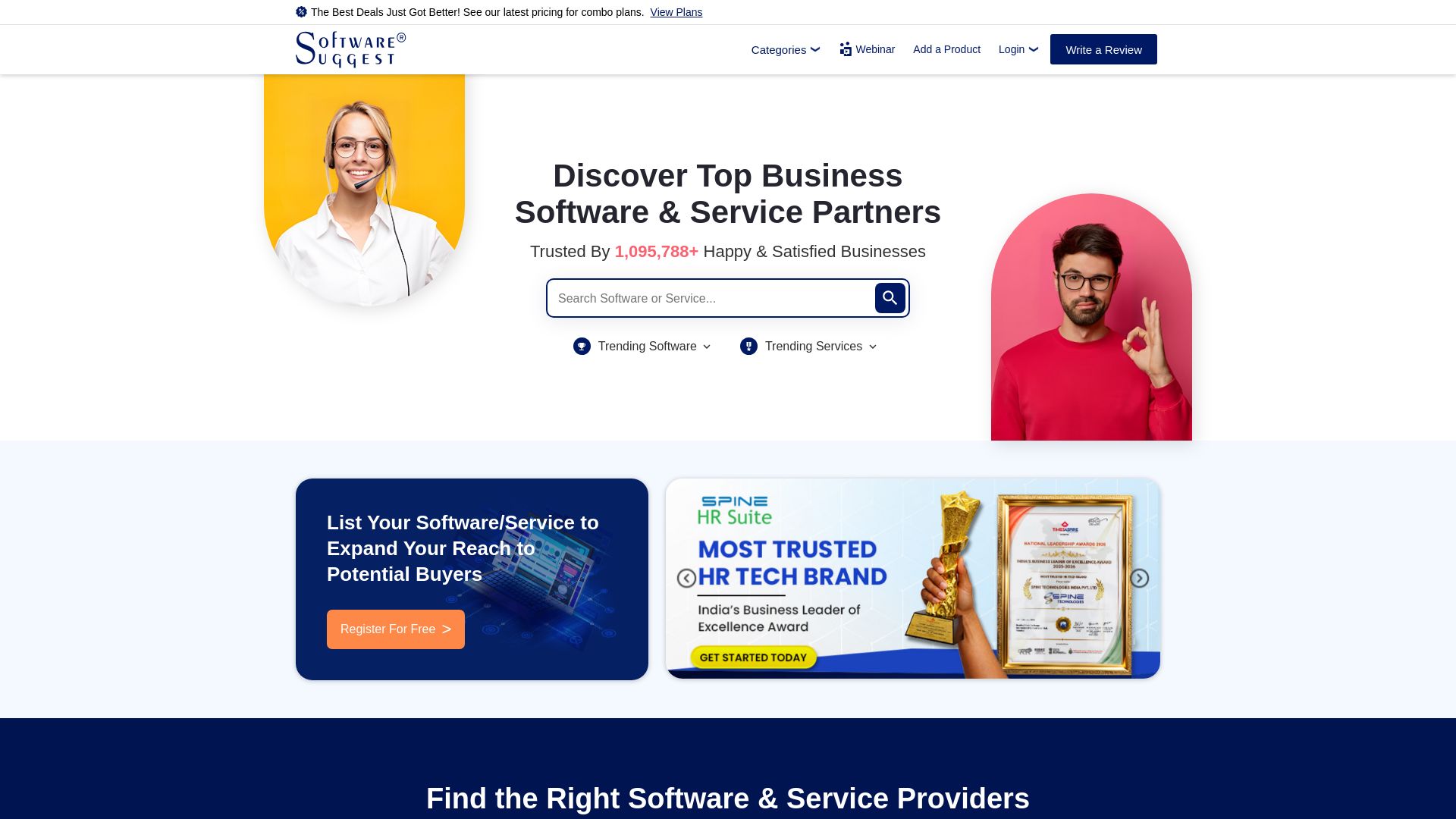
Softwaresuggest reports being trusted by over a million businesses for software discovery. The site combines product listings, verified user reviews, and vendor registration to help buyers compare options. Public feedback about lead quality and sales outreach is noticeably mixed.
Core Features
Softwaresuggest lists software across categories such as AI, accounting, HR, and ERP, and it pairs listings with verified user reviews and expert comparisons. Vendors can register and enhance profiles, participate in awards programs, and receive platform-driven recommendations. The site also uses AI driven discovery to surface relevant software to buyers.
Key Differentiator
Softwaresuggest centers its value on a three part approach: verified user reviews, vendor registration, and awards that aim to raise vendor visibility. That combination positions the site as both a buyer reference and a vendor marketing channel. The awards and profile tools give vendors structured ways to stand out on the marketplace.
Pros
Softwaresuggest makes it straightforward for buyers to find and compare multiple software products in one place, and the verified reviews add a layer of social proof. Vendor registration and profile enhancement provide clear paths for smaller vendors to appear in category results and in awards lists. The awards program and AI driven recommendations make it easier for buyers to surface niche or newer tools that might otherwise be overlooked.
Cons
-
Some vendors report receiving low quality leads from listings, which reduces return on investment.
-
Several complaints cite aggressive upselling and persistent outreach from platform representatives.
-
Reported difficulties in refund processing have aggravated vendor trust concerns.
-
Public reviews are polarized, making it hard to interpret vendor reputations at a glance.
When It May Not Fit
Vendors that rely on high quality inbound leads and predictable conversion rates may find the lead mix here unsuited to their sales model. Organizations that need an editorially neutral, expert only comparison might prefer a platform with tighter curation. Buyers who want a fully vetted shortlist with minimal vendor marketing noise may need to cross check listings elsewhere.
Who It’s For
Small and medium sized businesses that want a quick way to survey many software options will find this site useful. Individual software vendors seeking visibility and recognition through listings and awards can use the registration and profile features. Buyers who value user reviews as part of decision making will get the most benefit here.
Real World Use Case
A business owner shopping for HR software runs a category search, reads verified reviews, and narrows options by feature mentions and award badges. A vendor registers a profile, submits product details for awards consideration, and appears in comparison lists where buyers evaluate feature sets. The owner contacts shortlisted vendors, then validates fit with trials or demos.
Website: https://softwaresuggest.com
SaasTrac
At a Glance
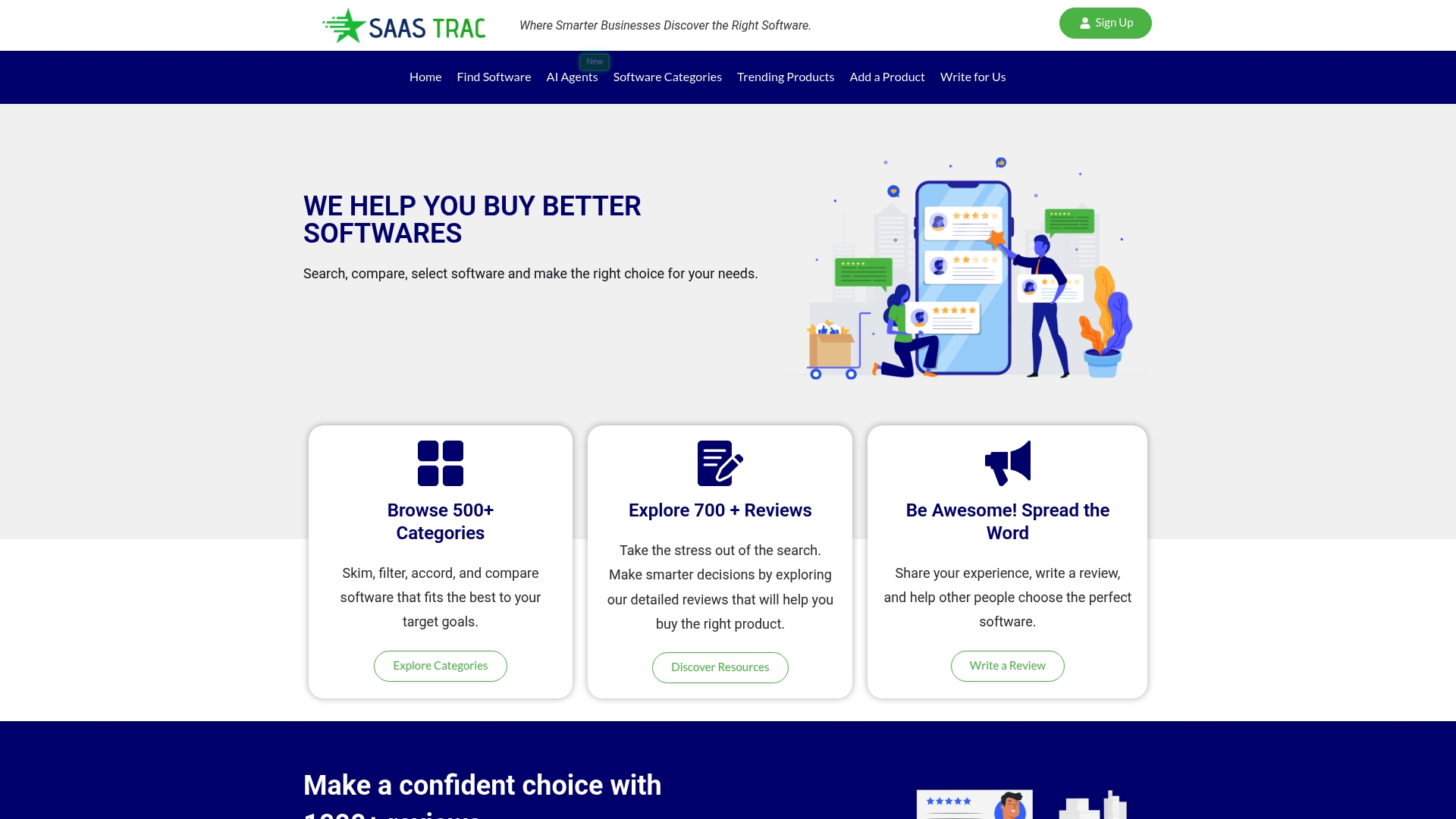
Search and compare over 600 software categories. SaasTrac organizes listings into broad category pages and curates user reviews and award lists. There are few substantial third party reviews for SaasTrac itself, which leaves some independent validation gaps.
Core Features
SaasTrac offers category pages that group products by function, plus review pages where members can read and write experiences. The site publishes industry award lists and top software recognitions alongside resource articles and buying guides. Vendors can submit or claim listings to manage their profile and respond to reviews.
Key Differentiator
SaasTrac’s marketing materials state it combines user reviews with industry awards to guide software choices. That combination creates quick signal pages for widely searched categories and vendor reputations. The awards and ranked lists act as an editorial filter for teams short on time.
Pros
The site’s broad categorization and structured review pages help you scan alternatives quickly and compare similar tools side by side. Community written reviews and the awards lists surface vendor reputation and use cases you might not see on vendor sites. Allowing vendors to claim listings helps businesses correct details and reply to critiques, which can improve listing accuracy and vendor responsiveness.
Cons
-
Limited independent verification: There are few third party reviews of SaasTrac itself, which may affect perceived review authenticity.
-
Editorial focus only: The site aggregates and ranks products but does not offer direct trials, integrations, or procurement services.
-
Promotional content risk: Some pages and award placements may read promotional, which requires readers to cross check claims before acting.
When It May Not Fit
SaasTrac does not replace hands on product evaluation or procurement workflows. If you need verified third party audits or enterprise procurement integrations, this site will not supply those. Organizations requiring strict review verification and sourcing records should pair SaasTrac with other validation channels.
Who It’s For
Businesses and decision makers researching SaaS options across multiple functions will find the site useful. Marketing teams and small procurement groups can use the reviews and award lists to shortlist candidates. Vendors who want visibility and user feedback can use the claim and submission features to build presence.
Real World Use Case
A SaaS startup used SaasTrac to shortlist marketing automation tools by scanning category pages and reading user reviews. The team compared top ranked products and followed links to vendor pages for demos. That process cut the shortlist time and highlighted reputational differences among candidates.
Website: https://saastrac.com
Compare Biz Tech
At a Glance
Compare Biz Tech lists extensive software directories but shows no visible third party user reviews or testimonials. That absence makes judging real world software satisfaction harder when researching synup alternatives. The site focuses on listings, guides, and submission options for new tools.
Core Features
The site aggregates reviews and side by side comparisons across accounting, CRM, marketing, and AI tool categories, and pairs those listings with resource links and how to guides. It hosts category directories and accepts submissions from vendors and developers. Editorial blog posts support purchase decisions with explainer pieces and buyer tips.
Key Differentiator
Compare Biz Tech concentrates its listings and guidance on small and medium sized businesses, aligning content to owner priorities and common buyer questions. That focus helps narrow choices quickly if you want options tailored to smaller operations rather than enterprise solutions.
Pros
The directory covers many business software categories, which saves time when you need an initial shortlist. The platform offers practical resources such as guides and blog posts that clarify differences between product types. Submission options let newer vendors appear on the site, widening the set of tools you can evaluate.
Cons
- No visible third party user reviews or testimonials to corroborate vendor claims.
- Listings may feel overwhelming without clear user ratings or verified feedback.
- Coverage tends toward broad comparison and less toward in depth user experience reporting.
- The editorial detail for each entry varies, so some listings lack granular feature analysis.
When It May Not Fit
If you need verified user ratings or community feedback to validate software quality, this site will fall short. If your buying process relies on deep user experience case studies or extensive performance testing, choose sources that publish hands on reviews and user submitted ratings instead.
Who It’s For
Tech savvy startup founders, small business owners, and business consultants who prefer a single place to find many software candidates will get value here. It suits people who want quick comparisons, category guides, and a way to discover newer tools through vendor submissions.
Real World Use Case
A retail owner researching CRM options visits Compare Biz Tech to assemble a short list by industry category, reads the CRM buying guide to compare core features, and then follows vendor links to trial the top two platforms. The site speeds up the initial research and narrows choices.
Website: https://comparebiztech.com
Software Advice
At a Glance
Software Advice reports access to more than 2.5 million+ verified user reviews, and the vendor advertises a matching process that returns 3 to 5 software options within 15 minutes. The site serves small and mid sized business decision makers who want quick guidance. This setup compresses early-stage research into a short, advisor backed workflow.
Core Features
Software Advice pairs personalized one to one support from an advisor with independent recommendations and a large review database. The platform organizes guidance by industry and key feature needs so you see options that fit your category quickly. That matching claim and the review pool speed decision making without requiring hours of solo comparison.
Key Differentiator
The vendor states coverage across more than 150 industries, and the core differentiator is the free advisor service combined with that review depth. That mix makes the offering a recommendation engine plus human counsel rather than a pure review index.
Pros
The service saves research time by narrowing choices to a handful of contenders you can evaluate. Advisors are presented as knowledgeable and trusted, which helps procurement teams translate business needs into product questions. The large review database supports recommendations with user feedback and real examples, and the advisory service is free to the person requesting help.
Cons
-
Recommended software interfaces can be unintuitive or complex for some teams.
-
Customer support response times can be slow or inconsistent at times.
-
The platform leans on advisor suggestions and reviews, which may not suit people who prefer fully automated comparison tools.
When It May Not Fit
If your team prefers to test and compare tools on your own timetable, the advisor driven model may feel intrusive. Organizations that need purely automated scoring or API access for internal systems will find limited value. Buyers who require hands on trial data rather than advisor summaries should look elsewhere.
Who It’s For
Small to mid sized business owners, managers, and procurement professionals who want expert, unbiased advice will find this helpful. Marketing, operations, and IT leaders who lack time to run broad comparisons get the most benefit. Teams that prefer human guidance over self directed research will appreciate the service.
Real World Use Case
A marketing agency consults an advisor to shortlist CRM options and receives three targeted products with accompanying verified reviews. The agency uses the advisor notes to prioritize demos and cuts evaluation time by days. That approach helps the team pick a CRM that matches their workflow faster.
Website: https://softwareadvice.com
Top Software Review Aggregators
Consider the following platforms to streamline your software evaluation process, leveraging features such as AI-driven comparisons, extensive review collections, and expert guidance.
| Platform | Core Feature | Key Differentiator | Best For | Notable Limitation |
|---|---|---|---|---|
| Toolsplorer | Weekly updated database of 412 tools | AI-powered scoring for easy comparison | Professionals in marketing, tech, finance | Information on exact pricing not included |
| Software Finder | Database with over 100,000 software options | Combines user reviews and expert guidance | Procurement leads requiring diverse options | Unverified reviews can be polarized |
| Softwaresuggest | AI-driven software discovery | Verified user reviews with vendor registration | Small and medium-sized businesses | Reports of low-quality leads from vendor listings |
| SaasTrac | Category-based tool listings and reviews | Combines user reviews with industry awards | Decision-makers researching software options | Lacks independent verification for reviews |
| Compare Biz Tech | Software directories with guides | Tailored content for small to medium businesses | Startup founders seeking initial shortlists | Few user reviews make reputation assessment challenging |
| Software Advice | Over 2.5 million verified user reviews | Complimentary advisor service for software matching | Small and mid-sized business decision-makers | Limited to advisor-suggested tools |
Finding Reliable Synup Alternatives with Confidence
Choosing the right software often means sorting through countless options without clear guidance. For individuals and teams in marketing, finance, technology, and education, this decision process slows down progress and drains resources. Toolsplorer solves this by offering an AI-driven scoring system that aggregates diverse reviews into unbiased, data-backed rankings. This approach helps reduce time spent comparing and lets you focus on solutions that truly fit your workflow.
Key benefits include:
- Access to over 412 tools across categories relevant to your needs
- Weekly updates ensuring you see the latest product changes
- Side-by-side feature and score comparisons that clarify small differences
Explore Toolsplorer to shorten your research and create precise shortlists for synup alternatives. Import your criteria now and find tailored software recommendations with clear insights.
FAQ
How does Toolsplorer handle product comparisons across different software categories?
Toolsplorer allows you to easily compare features and scores side-by-side among tools in various categories. Its AI-powered scoring system consolidates reviews from seven sources, providing quick insights into tool performance and comparisons. Start using Toolsplorer to streamline your evaluations.
What is the difference between Toolsplorer and Software Finder in terms of user reviews?
Software Finder offers a very large database of over 100,000 software options, providing both user reviews and expert recommendations. While Toolsplorer focuses on AI scoring and weekly updates for comparison, choosing Software Finder could benefit users who prefer extensive editorial guidance alongside community feedback. Use Toolsplorer for a more streamlined, data-driven comparison.
Can I use Toolsplorer effectively if I need access to direct pricing details?
Toolsplorer does not include direct pricing or subscription details for the tools listed, which requires visiting vendor pages for exact rates. This setup can simplify your research if you prioritize feature comparisons over immediate pricing access. You may need to follow up on specific costs separately.
Which platform is better for small businesses looking for software options: Toolsplorer or Compare Biz Tech?
Compare Biz Tech specializes in serving small and medium-sized businesses with tailored listings and guidance. Toolsplorer excels in offering a broad toolkit for unbiased comparisons. Small businesses can benefit from Compare Biz Tech’s targeted support while still utilizing Toolsplorer for a comprehensive view of software features.
Does Toolsplorer support weekly updates for its listings and rankings?
Yes, Toolsplorer provides weekly updates to keep its listings and rankings current with recent product changes. This ensures that users access the most up-to-date information when comparing tools. Use these regular updates to stay informed about new features and ratings.